College and university campuses are complex environments. Students, faculty, staff, contractors, and visitors may need access to different buildings and areas, often at different times. At the same time, security teams need to protect classrooms, residence halls, research facilities, administrative offices, and other restricted spaces.
Traditional keys and manual access management can make this difficult to manage at scale. Campus access control systems provide a more efficient way to control who can enter specific areas while giving security teams greater visibility and control.
This guide explains how campus access control systems work, their key components and benefits, and what universities should consider when choosing and implementing an access control solution.
What Is a Campus Access Control System?
A campus access control system is a security solution designed to control and manage who can enter buildings, rooms, and other restricted areas across an educational campus.
Instead of relying solely on physical keys, modern systems use electronic credentials such as access cards, key fobs, mobile devices, or other authentication methods. The system determines whether a person has permission to enter a specific location and records access activity for security and administrative purposes.
For universities, access control can be particularly important because different groups require different levels of access. A student may need access to a residence hall, while a professor may need access to classrooms and faculty offices. A researcher may require access to a laboratory, while maintenance staff may need temporary access to multiple facilities.
A well-designed campus access control system allows universities to manage these permissions while helping protect students, faculty, staff, and facilities.
How Do Campus Access Control Systems Work?
Campus access control systems combine hardware and software to authenticate users and manage access to secured areas.
The process typically works as follows:
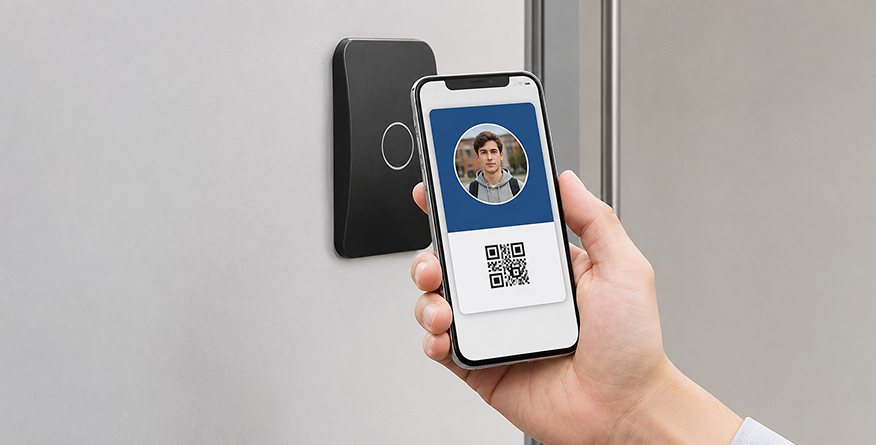
- A user presents a credential: This could be an access card, key fob, mobile credential, or another approved authentication method.
- The reader scans the credential: An access reader captures the credential information.
- The system verifies permissions: Access control software checks whether the user is authorized to enter that particular location at that time.
- Access is granted or denied: If the credentials are valid, the electronic lock allows entry. If not, access is denied.
- The event is recorded: The system logs the access event, giving security teams a record of who accessed the area and when.
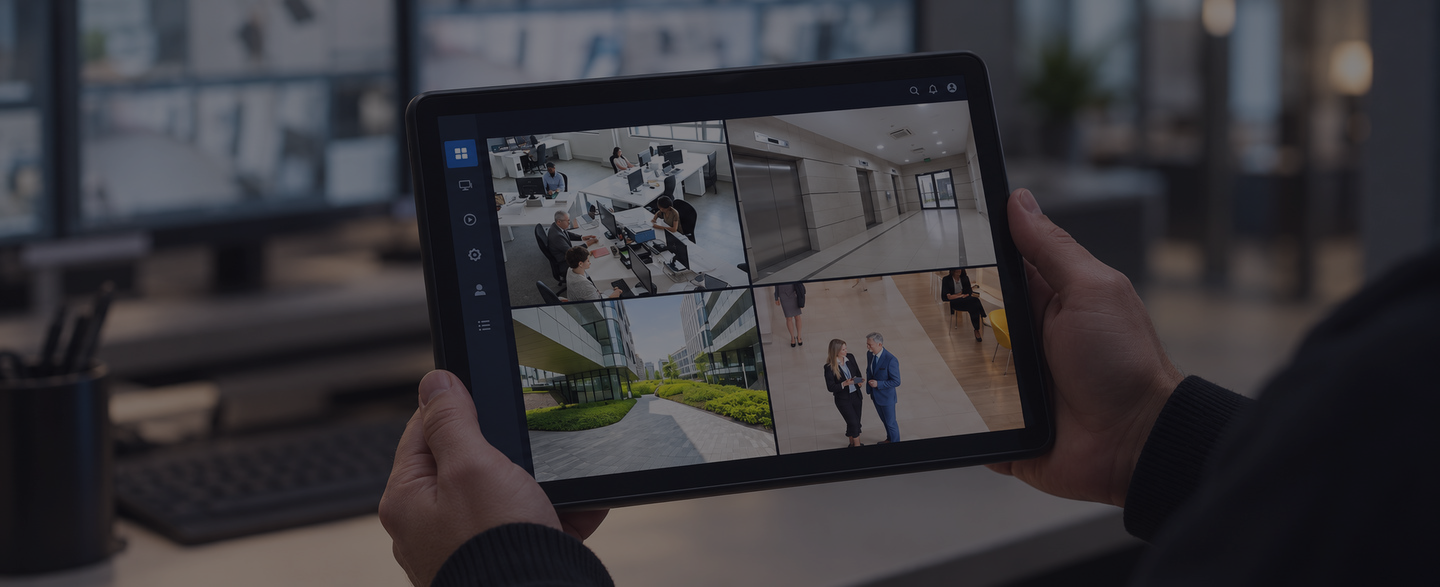
These systems can also integrate with security cameras, alarms, and other campus security technologies. This can give security personnel greater situational awareness and help them respond more effectively when an incident occurs.
Key Components of a Campus Access Control System
A campus access control system consists of several interconnected components that work together to control entry, manage permissions, and improve security across university facilities.
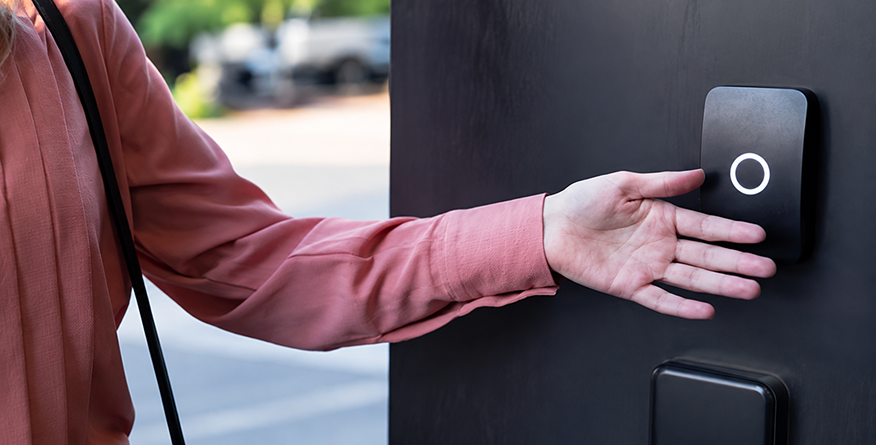
At the core of the system are access readers, which authenticate credentials presented by users. Depending on the system, these may support access cards, key fobs, mobile credentials, or other authentication methods.
Behind the readers are electronic locks, which secure doors and allow authorized users to enter after their credentials have been successfully authenticated. Different types of electronic locks can be selected depending on the type of door and its security requirements.
The system is managed through access control software, which provides a central platform for managing users, permissions, access schedules, and security events. Security administrators can add or remove users, change permissions, and review access activity from the system.
Other important components include:
- Credentials: Identify users and determine which areas they are authorized to access.
- Security cameras: Provide visual information about activity at entrances and other critical areas.
- Control panels: Connect readers and electronic locks with the access control software.
- Alarms and emergency systems: Help security teams identify unauthorized access attempts and respond more quickly during emergencies.
Together, these components create a centralized system for controlling and monitoring access across a university campus.
Benefits of Access Control Systems for Higher Education
A well-designed access control system can provide universities with stronger security while making access management more efficient.
- Enhanced Campus Security: Prevents unauthorized access and gives universities greater control over restricted areas.
- Improved Access Management: Allows administrators to manage credentials and permissions centrally, making it easier to update access when students graduate or employees leave.
- Faster Emergency Response: Enables security teams to quickly secure buildings or restrict access during emergencies.
- Greater Visibility and Accountability: Access logs provide records of activity, while integration with video surveillance can provide additional context during security incidents.
- Scalability and Convenience: Supports growing numbers of users, doors, and buildings while allowing students and staff to use convenient electronic or mobile credentials.
What to Look For in a Campus Access Control System?
Choosing an access control system is an important decision for a university. The right solution should meet current security requirements while providing room for future growth.
Security and Emergency Features
The system should provide strong emergency capabilities, allowing security teams to quickly restrict access or revoke credentials when necessary. Reporting and audit trails are also important, as access logs can help teams monitor activity, investigate incidents, and maintain accountability.
Integration and Management
A good access control system should integrate with existing technologies such as video surveillance, alarms, visitor management, and building management systems. For universities with multiple buildings or campuses, centralized management makes it easier to manage users, permissions, and security events from one platform.
Ease of Use and Mobile Access
Mobile credentials can provide students, faculty, and staff with a convenient alternative to traditional cards and fobs. The system itself should also be easy for security personnel to use, reducing training requirements and helping them respond quickly when needed.
Scalability, Reliability, and Cost
Universities should choose a system that can support additional buildings, doors, users, and campuses as they grow. Reliability and ongoing technical support are equally important for critical security infrastructure.
Finally, consider the total cost of ownership, including hardware, software, maintenance, upgrades, credential management, and administrative costs rather than focusing only on the initial installation price.
Best Practices for Implementing Campus Access Control
Implementing access control effectively requires more than installing readers and electronic locks. Universities should develop a strategy that considers people, facilities, technology, and future security requirements.
- Conduct a Campus Security Assessment: Start by identifying existing vulnerabilities, critical facilities, access points, and areas that require additional protection.
- Define Access Levels: Establish clear access permissions for students, faculty, staff, contractors, visitors, and other user groups. Not every person should have access to every building or area.
- Integrate Existing Security Systems: Where possible, connect access control with cameras, alarms, visitor management, and other security technologies to create a more coordinated security environment.
- Establish Credential Management Policies: Create clear procedures for issuing, replacing, and deactivating credentials. Lost cards, stolen devices, employee departures, and student graduations should all be accounted for.
- Regularly Review Permissions: Access requirements change over time. Universities should periodically review permissions to ensure users only retain the access they need.
- Plan for Emergencies: Access control should form part of the university’s emergency response strategy. Security teams should understand how to secure facilities and respond to different scenarios.
- Train Security Personnel: Staff responsible for managing access control should receive appropriate training so they can use the system effectively and respond to security events.
Choosing the Right Campus Access Control Partner
The technology is only one part of a successful campus security strategy. The right security partner can help universities assess their needs, design an appropriate system, integrate different technologies, and maintain the infrastructure over time.
When evaluating a security partner, consider:
- Experience working with higher education facilities
- Knowledge of campus security requirements
- Ability to design and integrate complete security systems
- Scalability and future expansion capabilities
- Installation and maintenance services
- Technical support
- Training and ongoing system assistance
- Ability to integrate access control with video surveillance and other security technologies
A strong partner should understand that every campus is different and develop a solution around the institution’s specific facilities, users, risks, and operational requirements.
Conclusion
Campus access control systems play an important role in protecting modern higher education facilities. They give universities greater control over who can access buildings and restricted areas while helping security teams manage access more efficiently.
The most effective solutions go beyond controlling individual doors. They can integrate access control with cameras, alarms, visitor management, and other security technologies to provide greater visibility and a more coordinated security strategy.
When choosing a system, universities should consider scalability, integration, emergency capabilities, credential management, ease of use, reliability, and long-term costs.
With the right technology and implementation strategy, universities can create a campus environment that is more secure, manageable, and prepared to meet changing security needs.