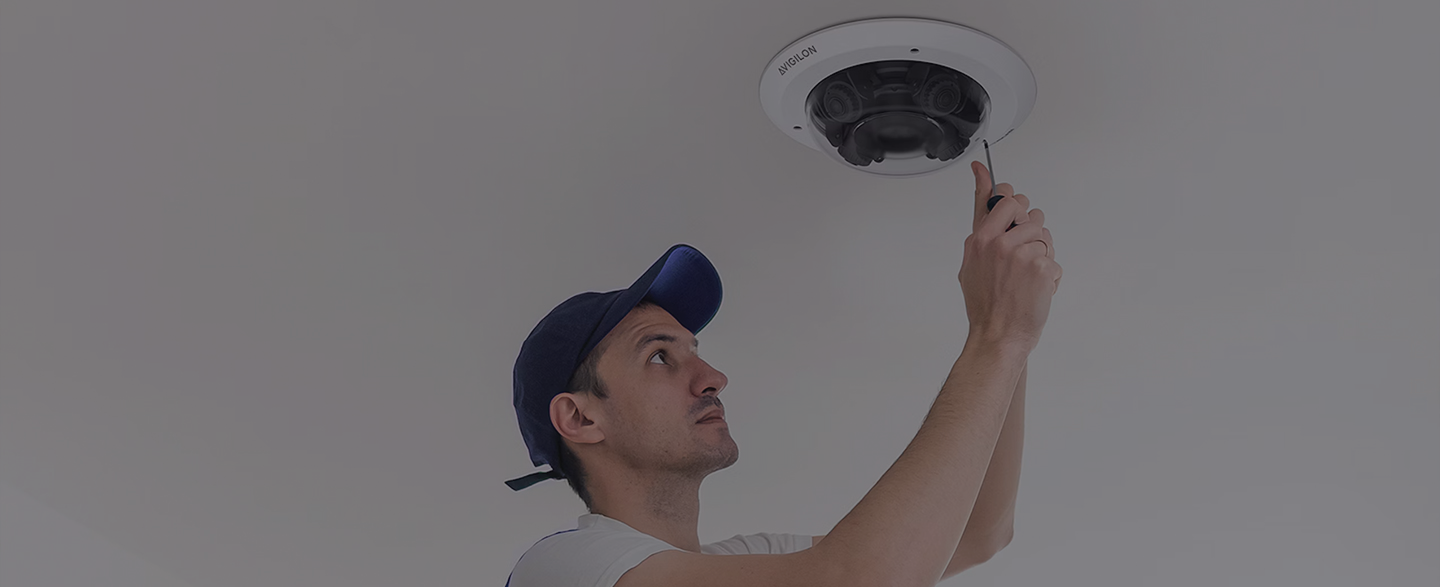
If you’re researching Verkada cameras for your San Diego facility, you’re looking at one of the most advanced cloud-based security camera systems on the market. But before you purchase Verkada cameras whether directly from Verkada or through a reseller.There’s something critical you need to understand: professional installation makes or breaks system performance.
Verkada’s technology is powerful. But without proper installation, network configuration, and ongoing support, even the best cameras underperform.
This guide covers what makes Verkada cameras unique, what to consider before purchasing, and why professional installation from a certified San Diego integrator like Electro Specialty Systems (ESS) ensures you get the results Verkada promises.
What Makes Verkada Cameras Different?
Verkada disrupted the traditional security camera market by eliminating on-premise servers and complex software installations. Here’s what sets them apart:
Cloud-Native Architecture
Unlike traditional IP cameras that require Network Video Recorders (NVRs) or Video Management Software (VMS), Verkada cameras store footage locally on the camera itself and sync encrypted footage to Verkada’s cloud platform. This means:
- No on-premise servers to maintain
- No software updates to manage manually
- Access footage from anywhere with internet
- Automatic firmware updates pushed to cameras
Why Facilities Choose Verkada
Verkada appeals to facilities that value:
Simplicity: No servers, no complex software, no IT overhead. Cameras are plug-and-play once network infrastructure is configured.
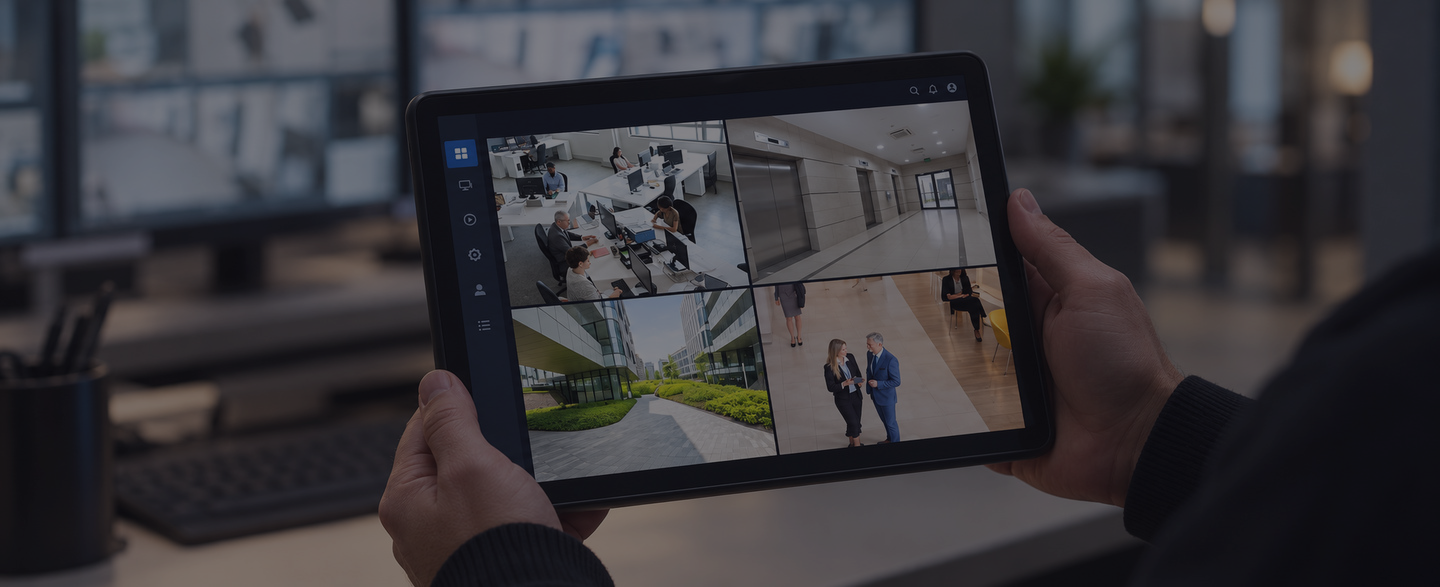
Remote Access: Security teams, facility managers, and executives can view cameras from anywhere like desktop, tablet, or smartphone.
Scalability: Add cameras easily without worrying about NVR capacity limits or software licensing.
Modern User Experience: Clean interface that feels like modern software, not legacy security systems from the 2000s.
Predictable Licensing: Per-camera licensing with 10-year warranties. No surprise costs for storage or software upgrades.
Verkada Camera Models: Which One Is Right for Your Facility?
Verkada offers several camera lines designed for different environments and use cases:
Dome Cameras (CD Series)
Best For: Indoor spaces requiring discreet, vandal resistant coverage
Common Applications: Lobbies, hallways, offices, retail spaces
Key Features: Low profile design, tamper resistant, wide field of view
Bullet Cameras (CB Series)
Best For: Outdoor perimeter monitoring, parking lots, building exteriors
Common Applications: Parking garages, loading docks, building entrances
Key Features: Long-range viewing, weather resistant, visible deterrent
Fisheye Cameras (CF Series)
Best For: Large open areas requiring 360-degree coverage
Common Applications: Warehouses, retail floors, gymnasiums
Key Features: Single camera covers entire room, de-warping software
Mini Dome Cameras (CM Series)
Best For: Tight spaces, discreet monitoring
Common Applications: Small offices, corridors, elevators
Key Features: Compact form factor, less obtrusive
PTZ (Pan-Tilt-Zoom) Cameras (CP Series)
Best For: Active monitoring of large outdoor areas
Common Applications: Stadiums, campuses, parking lots
Key Features: Remote control, auto tracking, zoom capabilities
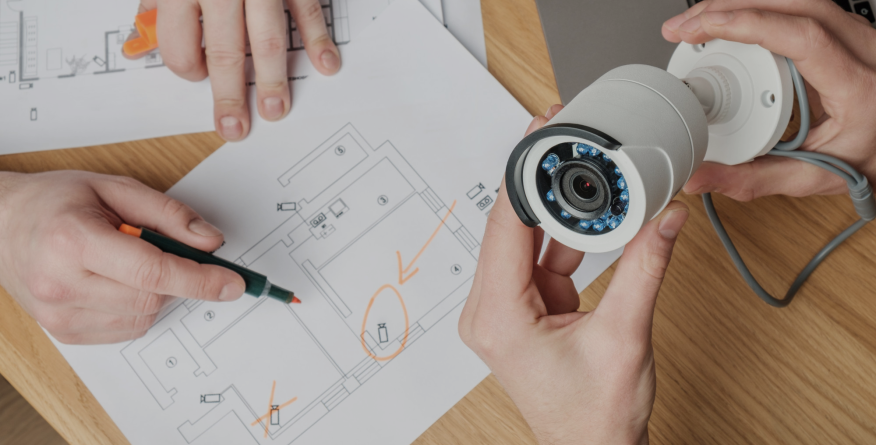
Professional installers help you select the right camera models for each location based on coverage requirements, lighting conditions, budget, and not just what’s available to sell.
What to Look for in a Verkada Installer in San Diego
Not all security integrators have experience with Verkada’s cloud-native architecture. When evaluating installers, ask:
Are You Verkada Certified?
Verkada offers installer certification programs. Certified installers understand Verkada’s unique architecture, licensing model, and best practices.
Do You Conduct Network Assessments?
Professional installers test your network infrastructure before installation to identify bandwidth, PoE, and connectivity issues.
Can You Integrate Verkada With Other Systems?
If you have existing access control, intrusion detection, or mass notification systems, ensure your installer can integrate Verkada cameras with these platforms.
Do You Provide Ongoing Support?
Verkada handles cloud platform support, but local integrators provide on-site troubleshooting, camera maintenance, and network issue resolution.
What’s Your Experience With Similar Facilities?
Universities, stadiums, corporate campuses, and government buildings have different requirements. Choose an installer with experience in your industry vertical.
ESS: Verkada Installation Expertise in San Diego
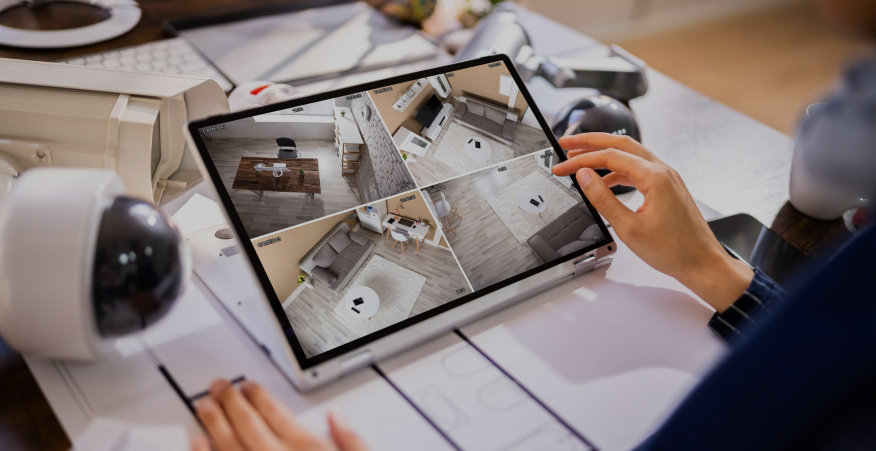
Electro Specialty Systems (ESS) has installed Verkada cameras for universities, stadiums, corporate campuses, and government facilities across San Diego. Our team understands Verkada’s cloud architecture and has the network expertise to ensure seamless deployment.
What sets ESS apart:
Factory Training: Our installation teams are trained on Verkada systems, ensuring proper configuration and optimization.
Network Expertise: We conduct thorough network assessments and coordinate with IT teams to ensure adequate bandwidth and infrastructure.
System Integration: We integrate Verkada cameras with access control, intrusion detection, and mass notification systems for coordinated security response.
Local Support: While Verkada provides cloud platform support, ESS offers same-day on-site service for camera issues, network problems, and system optimization.
Proven Track Record: We’ve deployed security systems for SDSU, Snapdragon Stadium, Petco Park, and 1,000+ San Diego facilities. We understand complex deployments.
Whether you’ve already purchased Verkada cameras or are evaluating options, ESS ensures professional installation that delivers the performance Verkada promises.
Verkada vs. Traditional IP Cameras: Is Cloud Right for You?
Verkada’s cloud-native approach isn’t right for every facility. Here’s how to decide:
Choose Verkada If:
- You want to eliminate on-premise servers and reduce IT overhead
- Remote access from anywhere is a priority
- You value modern, intuitive software over legacy systems
- You have reliable high-speed internet with adequate bandwidth
- Predictable per-camera licensing fits your budget model
Consider Traditional IP Cameras If:
- You need longer retention periods (1+ years) without high licensing costs
- Internet bandwidth is limited or unreliable
- You prefer on-premise storage for data sovereignty reasons
- Your budget prioritizes lower ongoing costs over convenience
ESS installs both Verkada and traditional IP camera systems (Axis, Bosch, Avigilon). We help you evaluate which approach aligns with your facility’s needs, budget, and infrastructure.
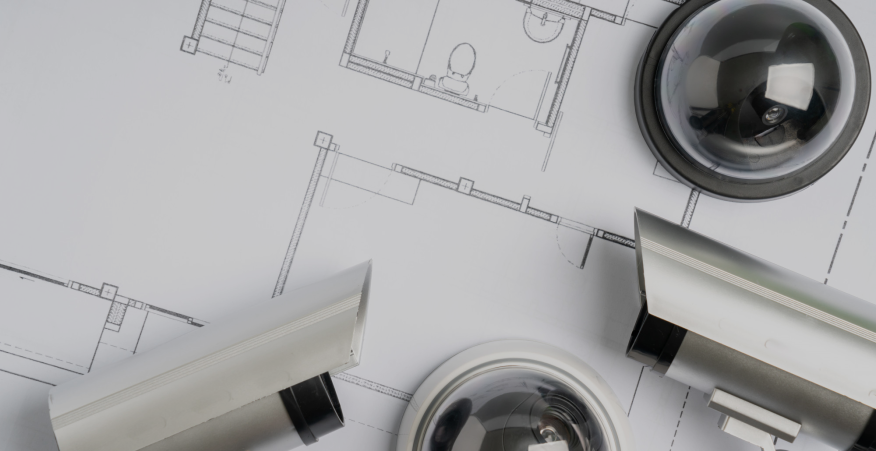
Beyond Cameras: Complete Security System Design
Whether you choose Verkada or another camera platform, cameras are just one component of comprehensive security. ESS designs integrated systems that include:
Access Control: Manage who enters your facility and trigger cameras when doors open
Intrusion Detection: Perimeter sensors that activate cameras during after-hours breaches
Mass Notification: Alert systems that coordinate with cameras during emergencies Gunshot Detection: Acoustic sensors that trigger cameras instantly during active threats
Vape Detection: Environmental sensors for areas where cameras aren’t appropriate
Integrated systems provide coordinated security responses, not isolated technologies operating independently.